
The internet provides access to an enormous range of services. People use websites for communication, entertainment, information, education, shopping, communities, and countless other activities.
With so many platforms available, developing good online habits has become increasingly important.
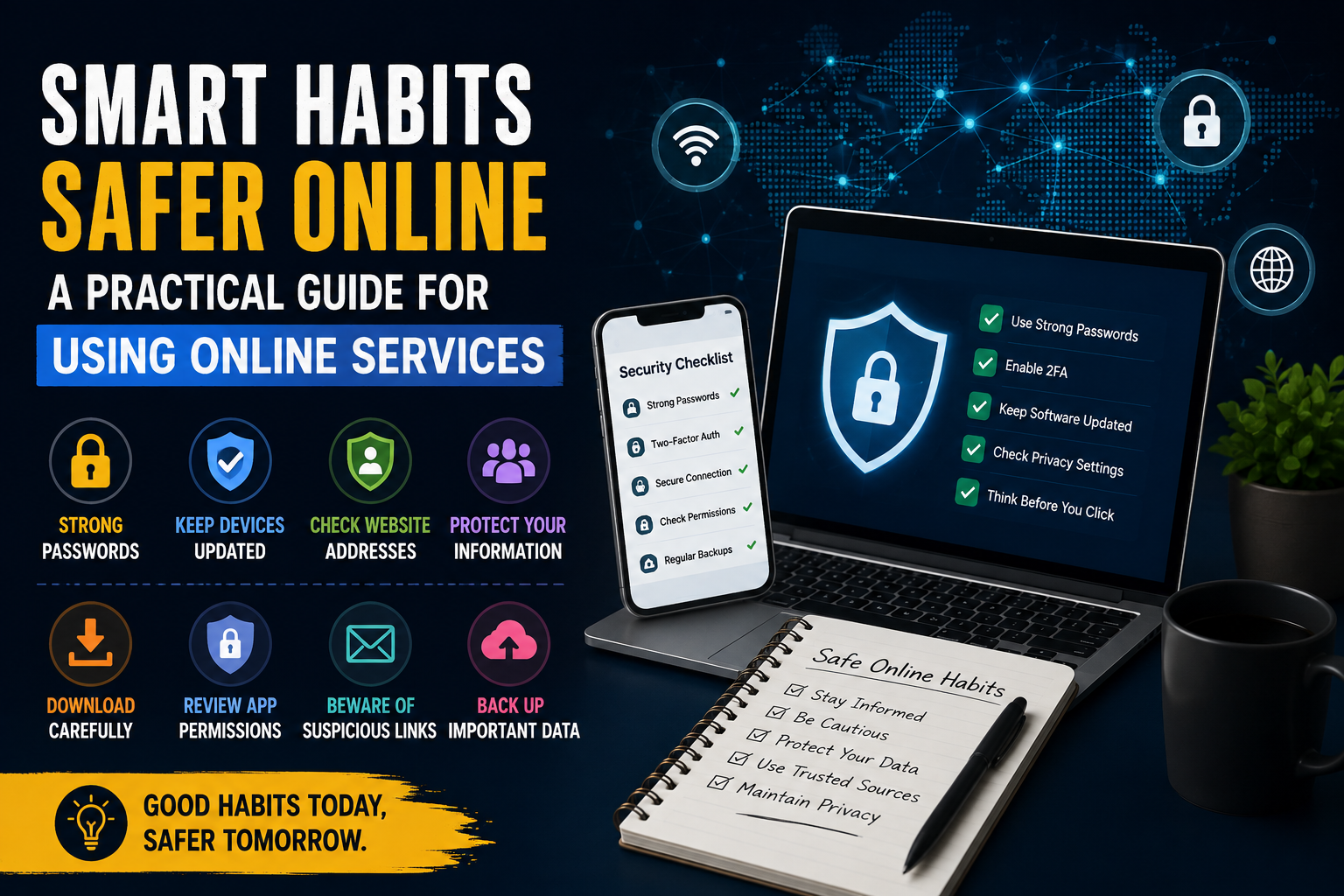
Good habits do not require advanced technical knowledge. Simple decisions such as checking website addresses, using strong passwords, keeping devices updated, and paying attention to privacy can make online activity safer and more comfortable.
Start by Checking Where You Are
Before entering personal information, users should check the website address carefully.
Small differences in spelling can sometimes indicate that a visitor has reached an unintended website.
This is particularly important when accessing account pages or entering sensitive information.
Bookmarks can also help regular users reach familiar websites without repeatedly searching for them.
Use Strong and Unique Passwords
Passwords remain an important part of online security.
A strong password should be difficult for other people to guess and should not be reused across multiple services.
Using the same password everywhere creates a major problem. If one account is compromised, other accounts using the same credentials may also become vulnerable.
Password managers can make it easier to maintain unique credentials.
Consider Multi-Factor Authentication
Where available, multi-factor authentication can add another layer of protection.
Instead of relying entirely on a password, the account may require an additional verification step.
This can make unauthorized access more difficult even if someone obtains a password.
Users should consider enabling this option for important accounts whenever the service supports it.
Keep Devices Updated
Operating system and application updates often include security improvements.
Delaying updates for long periods can leave devices using older software with known weaknesses.
Automatic updates can be useful because they reduce the chance of forgetting important security patches.
The same principle applies to browsers and security software.
Be Careful With Unexpected Links
Links can arrive through emails, messages, social networks, and other channels.
Users should be cautious when a message creates unnecessary urgency or asks them to provide account information immediately.
Instead of clicking an unexpected link, visitors can manually open the known website and check whether the same notification appears there.
This simple habit can reduce exposure to misleading pages.
Review App Permissions
Applications sometimes request access to device features such as storage, cameras, microphones, contacts, or location.
Users should consider whether those permissions make sense for the application’s purpose.
A simple utility does not necessarily need access to every feature of a device.
Reviewing permissions periodically can help users maintain greater control over their information.
Download Software Carefully
Third-party software resources can be useful, but downloads should be approached carefully.
Users should consider the source, file type, developer information, reputation, and available security information before installing anything.
Whenever an official source is available, it is generally preferable.
Visitors looking for additional information about navigating a dedicated online resource can also read this related guide.
Avoid Installing Unknown Modified Applications
Modified applications may offer additional features, but users should understand that modifications can introduce additional risks.
If the origin of a file is unclear, it is better to avoid installation.
Users should not disable important device security features simply to install software from an uncertain source.
Use Security Tools
Modern devices often include built-in security features.
Users should keep these tools active and pay attention to warnings.
Security software can help identify suspicious files, unsafe websites, or unusual activity.
However, no security tool can replace careful decision-making.
Protect Personal Information
Users should avoid sharing unnecessary personal details online.
Information such as home addresses, private phone numbers, account credentials, and financial details should be handled carefully.
Even information that appears harmless can sometimes be combined with other data to create a more detailed profile.
Before submitting a form, consider whether every requested field is genuinely necessary.
Read Website Policies When Appropriate
Privacy policies and terms of service can provide useful information about how a platform operates.
Users do not necessarily need to memorize every section, but important details should be reviewed when deciding whether to use a service.
Pay particular attention to information about personal data, account responsibilities, and content ownership.
Back Up Important Information
Online services are convenient, but users should not assume that every piece of information will always remain available.
Important documents, photographs, and personal files should be backed up.
Cloud storage, external drives, or multiple backup methods can provide additional protection.
A backup becomes especially valuable when a device is lost, damaged, or affected by software problems.
Separate Personal and Public Information
Online communities can encourage people to share information with others.
However, users should think carefully about what should remain private.
Public profiles can sometimes reveal more information than intended.
Reviewing privacy settings can help users decide who can see particular details.
Be Patient With New Platforms
A new website may use an unfamiliar interface.
Instead of immediately assuming something is wrong, users can spend a few minutes exploring menus, help pages, and account settings.
Understanding how a platform is organized can make future visits much easier.
Look for Consistent Information
When researching something online, it is useful to compare information across multiple reliable sources.
A single webpage may contain outdated or incomplete information.
Cross-checking important claims can help users avoid making decisions based on inaccurate content.
This is especially important when information relates to security, software, finances, or other areas where mistakes can have consequences.
Keep Browsers Organized
Bookmarks, saved passwords, extensions, and browser settings can become difficult to manage over time.
Removing unnecessary extensions and old bookmarks can improve organization.
Users should also review browser permissions and notification settings periodically.
A cleaner browser environment can make everyday browsing more convenient.
Think Before You Click
One of the most useful online habits is also one of the simplest: pause before taking action.
When a message asks for personal information, a website requests an unusual permission, or a download appears unexpectedly, taking a moment to evaluate the situation can prevent unnecessary problems.
Speed is not always an advantage online.
Good Habits Make Digital Life Easier
Online safety is not only about avoiding threats. It is also about creating a more organized and comfortable digital environment.
Strong passwords, updated devices, careful downloads, privacy awareness, and regular backups all reduce unnecessary stress.
These habits also make it easier to explore new platforms with confidence.
For readers interested in more digital resources alongside health and lifestyle topics, PureHealthNest provides a broader collection of useful articles.
Final Thoughts
The internet will continue to become a larger part of everyday life. New platforms, applications, and services will appear regularly, creating new opportunities as well as new challenges.
Users do not need to become cybersecurity experts to protect themselves. Developing a few consistent habits can make a significant difference.
Checking website addresses, using unique passwords, keeping software updated, reviewing permissions, and thinking carefully before downloading or sharing information are simple steps that can improve the overall online experience